2×2 Inch Passport Photo Maker
Last Update: July 17, 2026
Create a fully compliant 2×2 inch US passport photo from home in just minutes. Upload your photo and our tool automatically formats it to official US passport standards, following the latest requirements from the U.S. Department of State.
No photo studio. No guesswork. No app downloads.
Why Choose IDPhotoDiy?
IDPhotoDiy helps you create a professional passport photo quickly and easily:
-
Exact 2×2 inch (51 × 51 mm) photo size
-
Correct head position and proportion
-
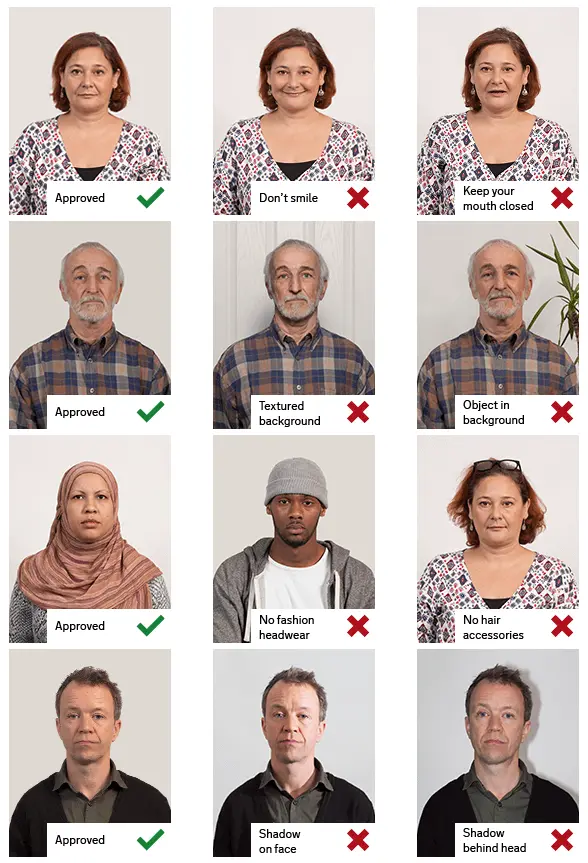
Plain white or off-white background
-
Fully compliant with US passport photo requirements
-
Photo ready in about 3 seconds
-
Retakes until you’re satisfied
If the result doesn’t look right, simply retake your photo and reprocess it instantly.
How IDPhotoDiy 2X2 photo converter Works
- Upload your photo
To start, Choose "United States" and then click "Passport(2X2 inch), Visa (2X2 inch), , or " according to your needs. Then click "Create your photo now" to upload your photo.
2. Crop your photo
Move the box and adjust the corners to make sure the chin and the top of the head must fit into the blue bars.
3. Click and Choose the Ajustment you like most
4. Download your photo
Get a passport-ready image suitable for printing and online submission.
US Passport Photo Requirements
- Photo size: 2 × 2 inches
- Head size: Between 1 inch and 1⅜ inches (22–35 mm), or 50%–69% of the image height
- Background: White or off-white
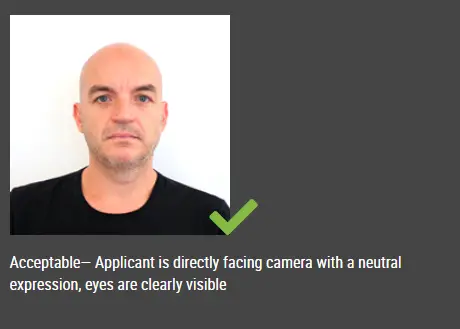
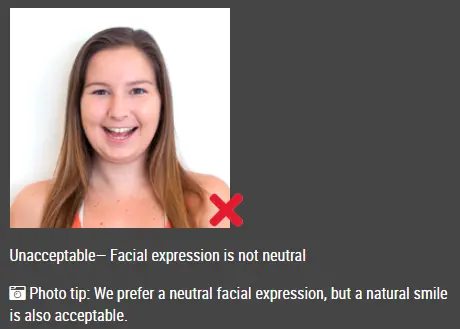
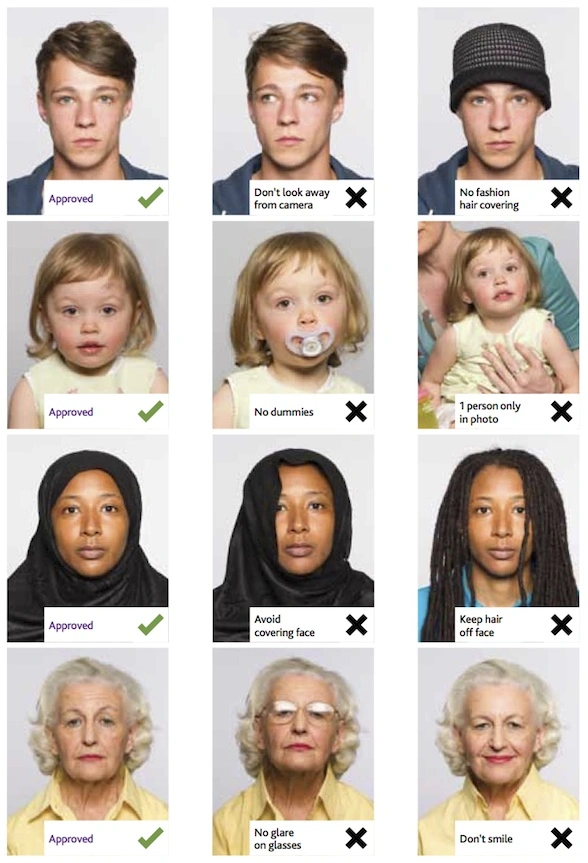
- Expression: Neutral, eyes open
- Color: Required
- Resolution: Minimum 300 DPI
- File size limits:
Passport, visa, citizenship, or green card: 54 KB - 10 MB
DV Lottery: 240 KB or less
Not sure if your photo meets all requirements? IDPhotoDiy automatically handles sizing, background, and formatting for you.
Click here to make passport / visa photos