India PAN Card Photo size and specifications
| Country | India |
|---|---|
| Document | PAN Card |
| Photo size | 35 x 45 mm, printed on Forms 93 and 95 as 4.5 cm x 3.5 cm |
| Digital photo size | No pixel size published: Forms 93 and 95 take printed photos; instant e-PAN needs none |
| Background | White |
| Colour | Colour |
| Photo age | Recent |
| Photo paper | Two prints, neither stapled nor clipped; the right-hand photo clear and without any mark |
About the India PAN Card Photo
The Permanent Account Number (PAN) is allotted by the Income Tax Department, which has appointed only two service providers to receive and process applications: Protean eGov Technologies (formerly NSDL e-Gov) and UTIITSL. You can apply online on either portal or hand a paper form to one of their PAN centres. The photo you paste becomes the image on your PAN card, and the form warns that the clarity of the card depends on the quality and clarity of that photograph.
The forms changed on 1 April 2026, when the Income-tax Act, 2025 and the Income-tax Rules, 2026 took effect. Forms 49A and 49AA are not accepted after 31 March 2026: Indian citizens now use Form 93, foreign individuals Form 95, and companies and other entities Forms 94 and 96. The Income Tax Department says the size of the photograph was increased for better visibility and identification, and the new forms print the photo boxes as 4.5 cm x 3.5 cm.
One route has no photo at all. Instant e-PAN on the Income Tax e-filing portal is free for adults who have Aadhaar with a linked mobile number and no PAN yet. It needs no scanned photo or signature, and it gives you an electronic PAN rather than a printed card.
India PAN Card Photo requirements
Use the new form
Protean's checklist tells applicants to use the form for their category: Form 93 for an individual who is a citizen of India, Form 95 for an individual who is not, and the PAN CR form for changes or corrections. Forms 49A and 49AA were discontinued after 31 March 2026.
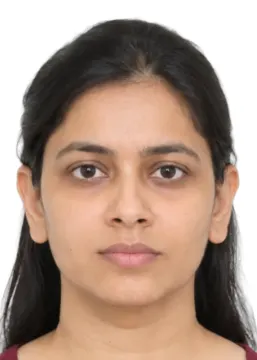
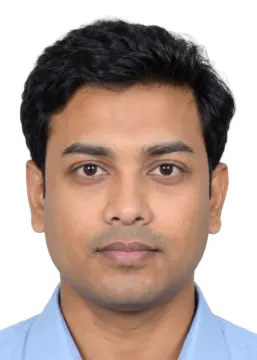
Two colour photos of 4.5 x 3.5 cm
All individual applicants, including minors and persons of unsound mind, affix two recent colour photographs of 4.5 cm x 3.5 cm in the spaces on the form. The boxes are portrait, 35 mm wide and 45 mm high.
White background
The guidelines for Forms 93 and 95 ask for photographs with white backgrounds. The quality of the print matters, because the card image is taken from it.
Sign across the left photo only
Your signature or left thumb impression goes across the photo on the left, partly on the photo and partly on the form. The photo on the right must stay clear and unmarked; Protean warns that a mark hiding the face can stop the application being processed.
Paste, do not pin
Photographs must not be pinned, stapled or clipped to the form. Paste them in the boxes provided.
Attested thumb impressions
If you use a thumb impression instead of a signature, it must be attested by a Magistrate, a Notary Public, an Oath Commissioner or a Gazetted Officer under official seal and stamp.
Same photo size for corrections
The Request for Changes or Correction in PAN Data form for individuals has the same two 4.5 cm x 3.5 cm colour photo boxes, with the signature across the left one.
Do
- Use Form 93 if you are an Indian citizen and Form 95 if you are not.
- Paste two recent colour photos of 4.5 x 3.5 cm.
- Choose photos with a white background.
- Sign across the left photo so the signature runs onto the form.
- Have a thumb impression attested under official seal.
- Fill in the form in block letters, in English.
Don't
- Do not use Form 49A or 49AA after 31 March 2026.
- Do not staple, pin or clip the photos.
- Do not sign or mark the right-hand photo.
- Do not use the old 3.5 x 2.5 cm photo size.
- Do not write a date or designation next to your signature.
Babies and children
Minors can be allotted a PAN. The guidelines for Forms 93 and 95 say all applicants, minors included, affix two colour photographs, and the Income Tax Department's FAQ on the new forms says a minor's application needs Aadhaar and a photograph of the minor, plus proof of identity and address of a representative assessee.
The representative assessee, usually a parent or guardian, fills in Part E of the form, which is mandatory when the applicant is a minor, and can sign the declaration on the minor's behalf. Instant e-PAN is not available to minors, so a child's PAN goes through Protean or UTIITSL with printed photos.
Printed vs digital photos
Forms 93 and 95 are built around prints: two photo boxes marked 4.5 cm x 3.5 cm. If you apply online and choose physical submission, you print the acknowledgement, paste the photographs on it, sign across the left one and post it with your documents to Protean's PAN Services Unit in Pune, where it should arrive within 15 days of the online application. Paperless routes, such as e-KYC with e-Sign or DSC-based applications, need no physical documents.
One Protean page for online Form 95 applications still quotes 3.5 x 2.5 cm photos for the acknowledgement, a size left over from Form 49A and also shown in Protean's older FAQ. The forms themselves and Protean's current checklist say 4.5 x 3.5 cm. A digital photo can be cropped to 35 x 45 mm and printed on a 4x6 inch sheet at a photo counter.
Where to submit
Apply online on the Protean or UTIITSL portal, or take the completed form to a PAN centre run by either of them. UTIITSL's notice states that the Income Tax Department has authorised only these two organisations to receive and process PAN applications. Quoting Aadhaar is mandatory on Form 93 except for exempt categories, and a copy of the Aadhaar letter goes with a physically submitted acknowledgement.
Indian citizens living abroad also use Form 93. Foreign citizens use Form 95; they cannot use the Aadhaar e-KYC route.
India PAN Card Photo examples
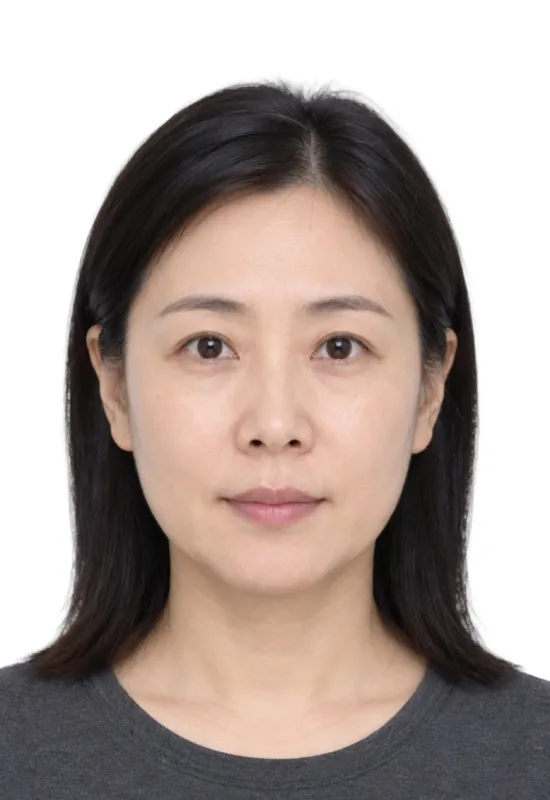
Acceptable
Rejected
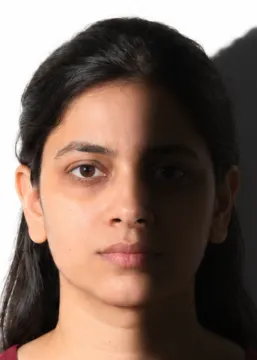
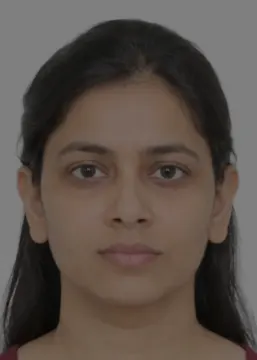
Lighting and shadows
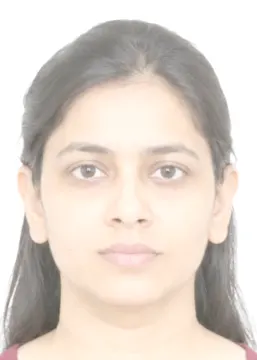
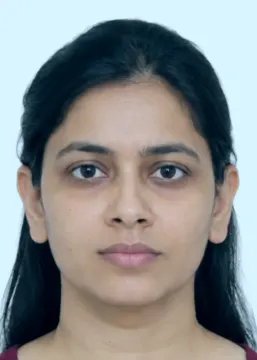
Size and position
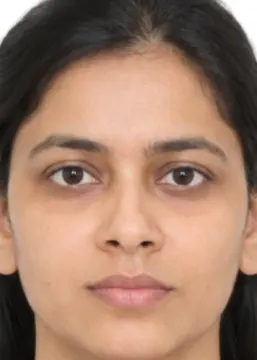
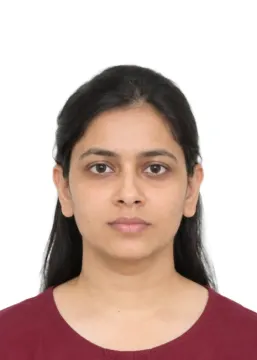
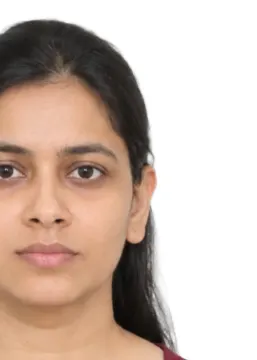
Quality and digital changes
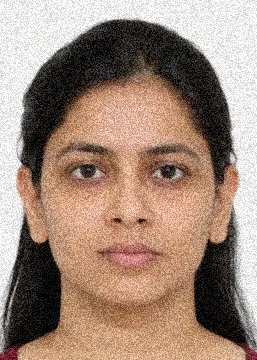
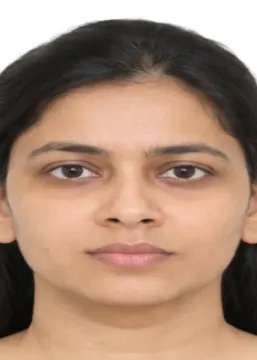
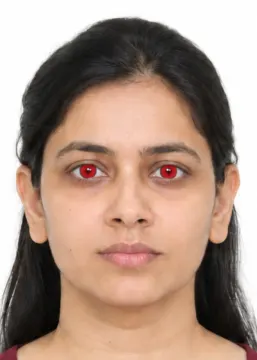
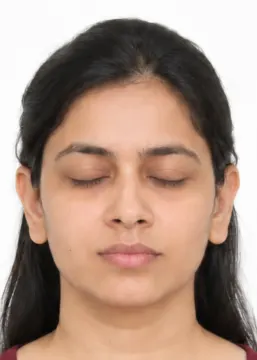
Pose and expression

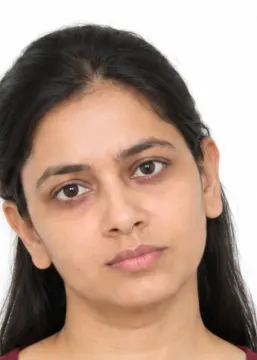
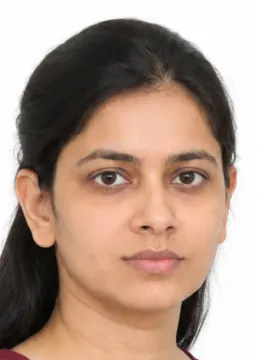
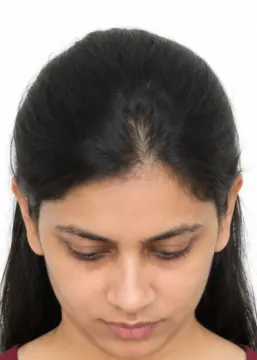
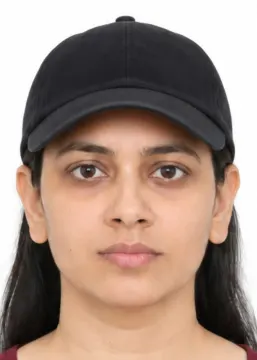
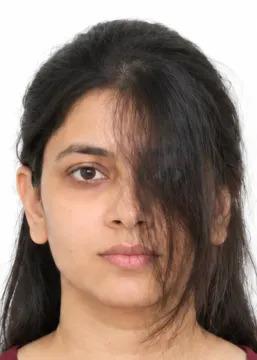
Glasses, hats and hair
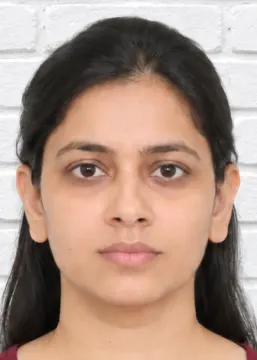
Background
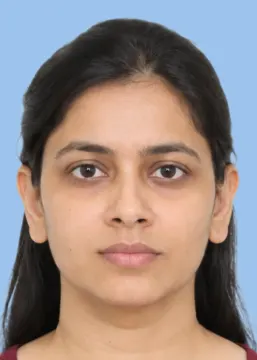
How to make a India PAN Card Photo online
Take or choose a photo
Use a well-lit photo taken from about 1.5 m (5 ft) away, facing the camera, against a plain wall. A phone camera is fine.
Upload and crop
The India PAN Card Photo template is already selected above. Upload your photo and the tool positions your head and removes the background.
Download, print or submit
Get a 4x6 inch printable sheet for the photo counter and a digital copy for online applications.
Make your India PAN Card Photo now Tips for taking a passport photo at home
India PAN Card Photo FAQ
What is the photo size for a PAN card application?
Two recent colour photographs of 4.5 x 3.5 cm (35 mm wide, 45 mm high) with a white background. This is the size printed in the photo boxes of Form 93 and Form 95, the PAN application forms for individuals since 1 April 2026.
Is the PAN photo still 3.5 x 2.5 cm?
No. The 3.5 x 2.5 cm size belongs to Form 49A, which is not accepted after 31 March 2026, and the Income Tax Department increased the photo size on the new forms. Some Protean pages still show 3.5 x 2.5 cm, but Forms 93 and 95 and the correction form for individuals use 4.5 x 3.5 cm.
Where do I sign on the PAN photos?
Across the photo on the left of the form, so that part of the signature or left thumb impression is on the photo and part on the form. The photo on the right must stay clear and unmarked: a mark that hides the face can stop the application being processed.
Do I need a photo for instant e-PAN?
No. The Income Tax Department's e-PAN FAQ says no scanned photo or signature is needed for the Aadhaar e-KYC route. Instant e-PAN is free for adults with a valid Aadhaar, a linked mobile number and no existing PAN, and it gives you an electronic PAN rather than a physical card.
Can I staple the photos to the PAN form?
No. The form guidelines say the photographs should not be stapled or clipped, and Protean's checklist adds that they must not be pinned either. Paste them in the boxes provided.
Which PAN form does a foreign citizen use, and what photo?
Form 95, which replaced Form 49AA for individuals who are not citizens of India. Its photo rules match Form 93: two recent colour photographs of 4.5 x 3.5 cm with a white background, with the signature across the left one. Protean's online Form 95 page still mentions 3.5 x 2.5 cm, but the form itself says 4.5 x 3.5 cm.
What photos does a PAN correction or reprint need?
Corrections and requests for a new card with the same PAN go on the Request for Changes or Correction in PAN Data form. The version for individuals has two 4.5 x 3.5 cm colour photo boxes, with your signature or left thumb impression across the left photo.
Official sources
- Form No. 93: application for allotment of PAN (individual, citizen of India) – Protean eGov Technologies (PAN service provider for the Income Tax Department)
- Form No. 95: application for allotment of PAN (individual, not a citizen of India) – Protean eGov Technologies (PAN service provider for the Income Tax Department)
- New PAN: Do's and Don'ts – Protean eGov Technologies (PAN service provider for the Income Tax Department)
- Apply online: new PAN (Form 93 / Form 94) – Protean eGov Technologies (PAN service provider for the Income Tax Department)
- Apply online: new PAN (Form 95 / Form 96) – Protean eGov Technologies (PAN service provider for the Income Tax Department)
- Request for changes or correction in PAN data (individual) – Protean eGov Technologies (PAN service provider for the Income Tax Department)
- FAQs on PAN application procedure – Protean eGov Technologies (PAN service provider for the Income Tax Department)
- Form No. 93/94/95/96: frequently asked questions – Income Tax Department
- Form No. 93/94/95/96: forms for PAN allotment (note on changes) – Income Tax Department
- FAQs on e-PAN – Income Tax Department, e-filing portal
- PAN services (notice on new forms and authorised entities) – UTIITSL (PAN service provider for the Income Tax Department)
Requirements last checked against these sources on November 1, 2026. IDPhotoDIY is not affiliated with any government agency.
Other India document photos
 India Passport PhotoWhite background
 India FRRO PhotoWhite background
 India PCC / Birth Certificate PhotoWhite background
 India PIO Card PhotoLight color background
 India Driving Licence PhotoWhite background
 India ID Card PhotoWhite background
 India Visa PhotoWhite background
 India OCI Card PhotoLight color background
More guides
Popular documents




Rate the India PAN Card Photo Maker
4.7 out of 5 from 39 ratings
Thank you for your rating.